 Re:Cast
 on Android
Play the game the way it was meant to be played
This was a phone game, and now it is one again. The Re:Cast app runs the real game, with its music and sound effects, on an Android phone: the first time it has ever been playable on Android with full sound.
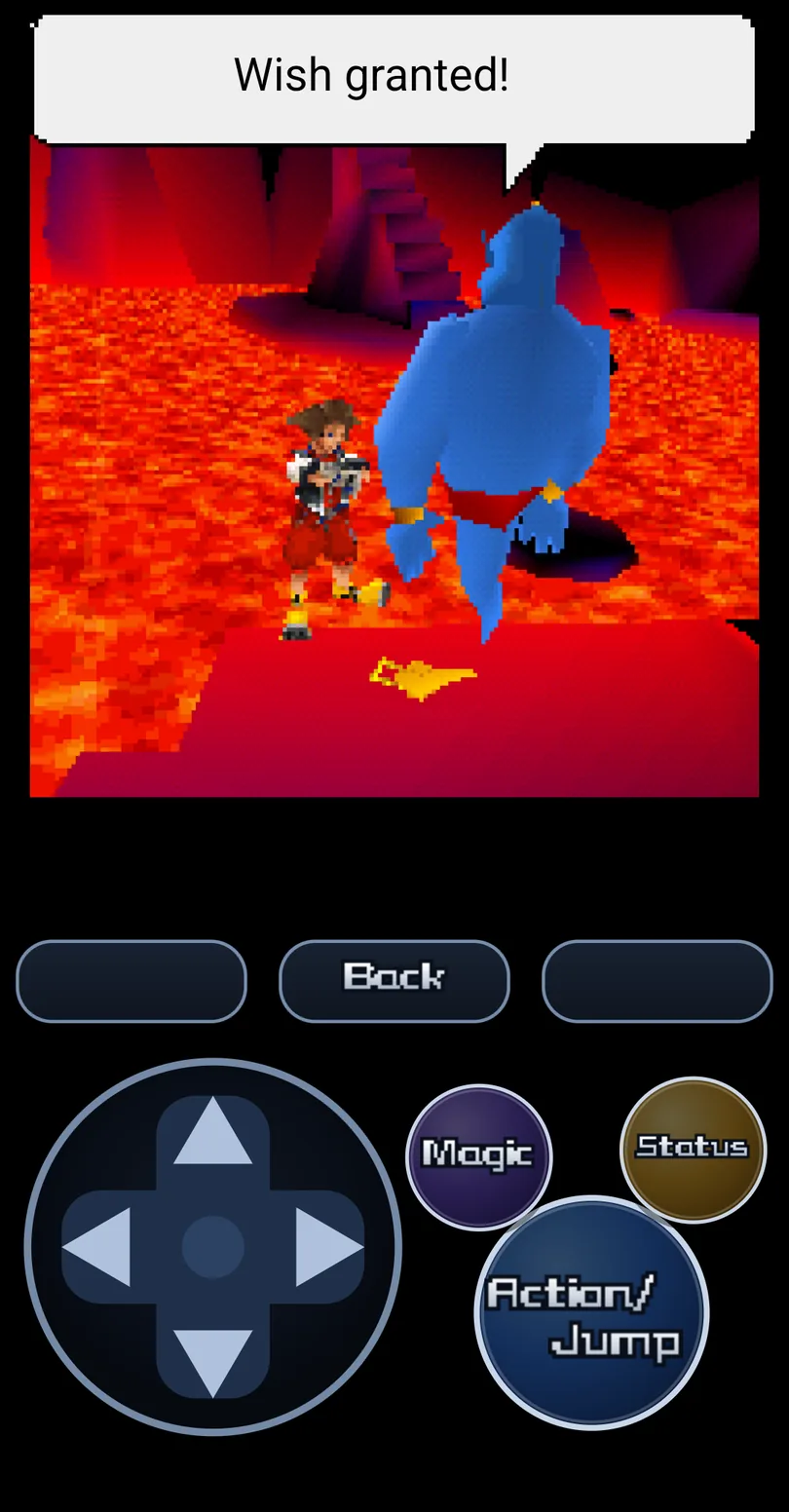
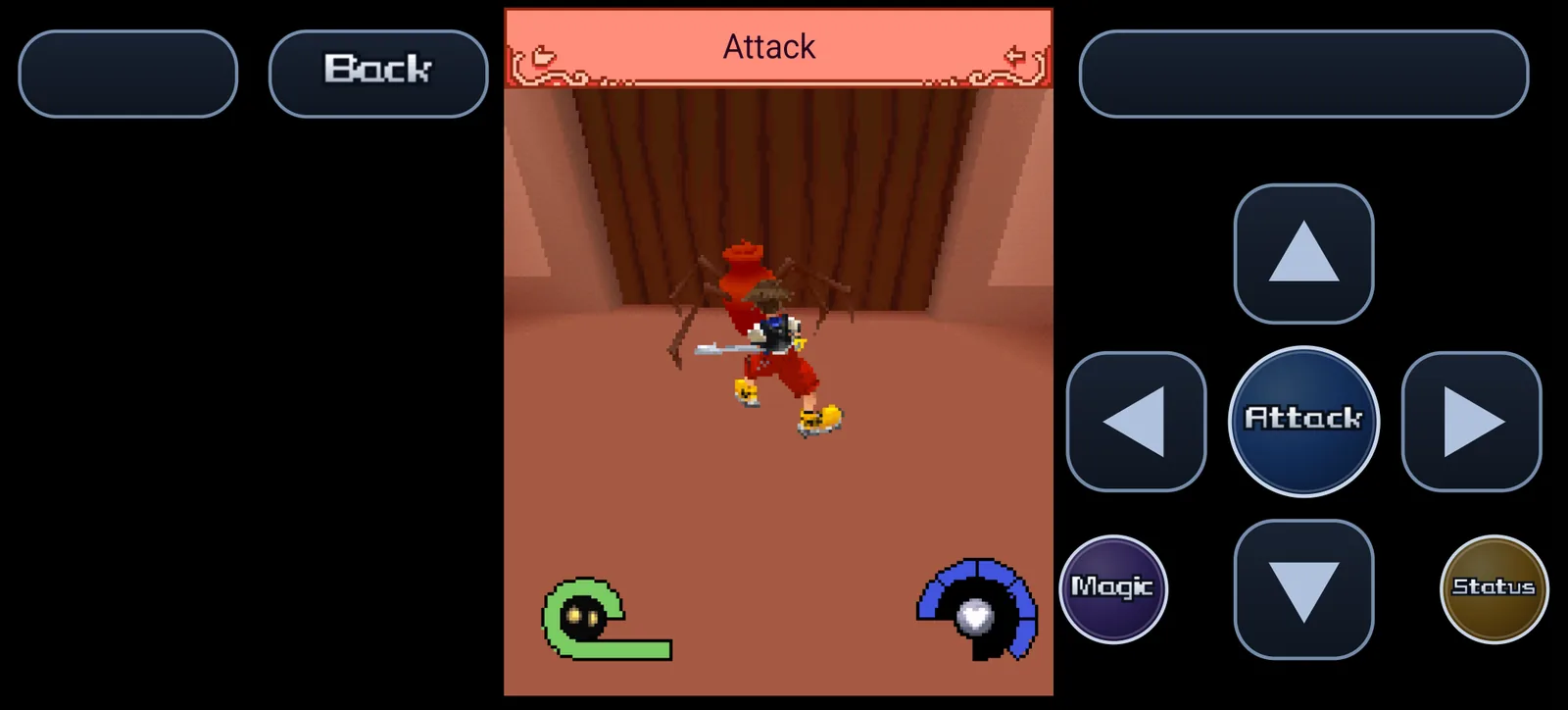
Built for the phone
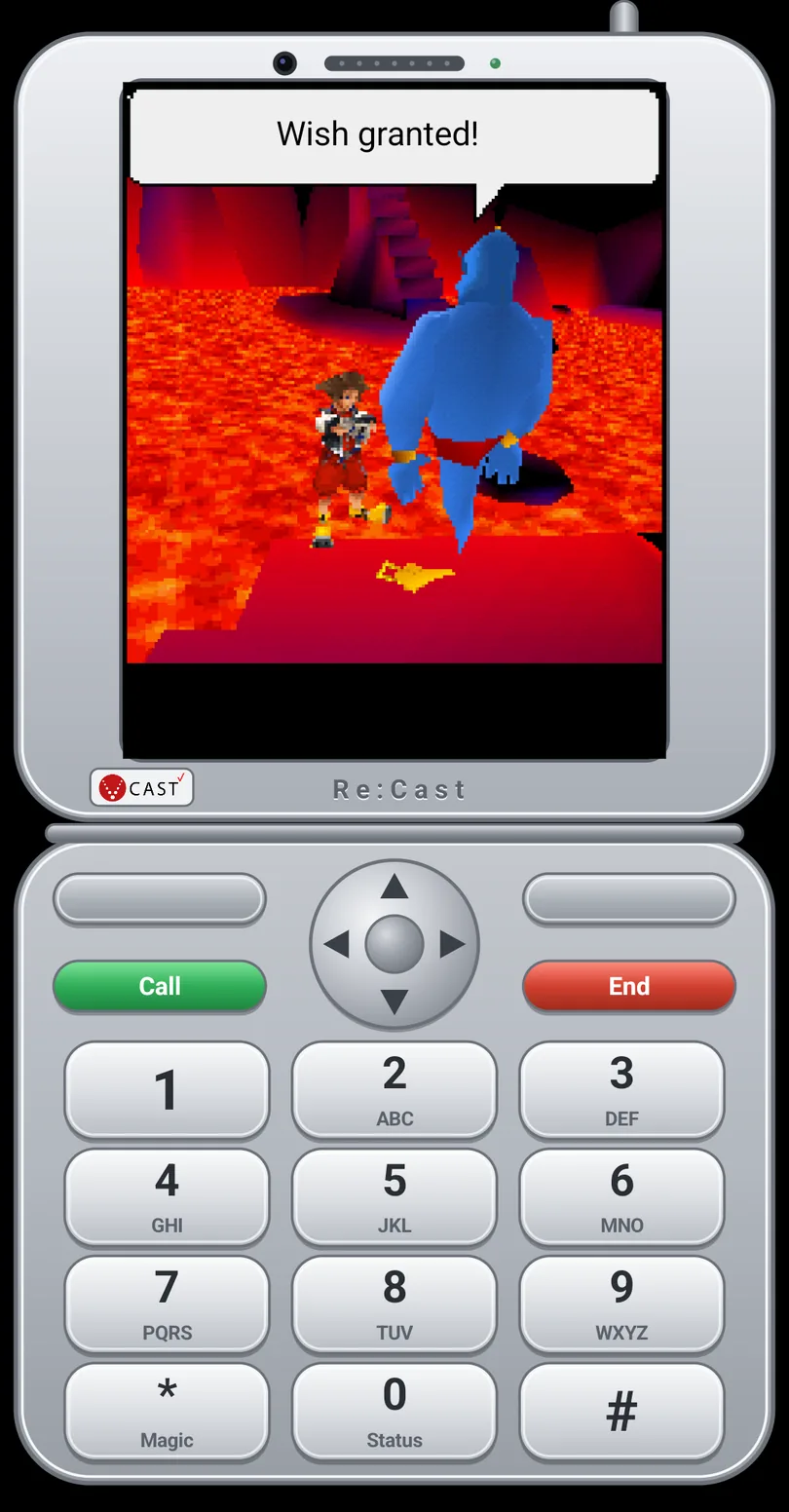
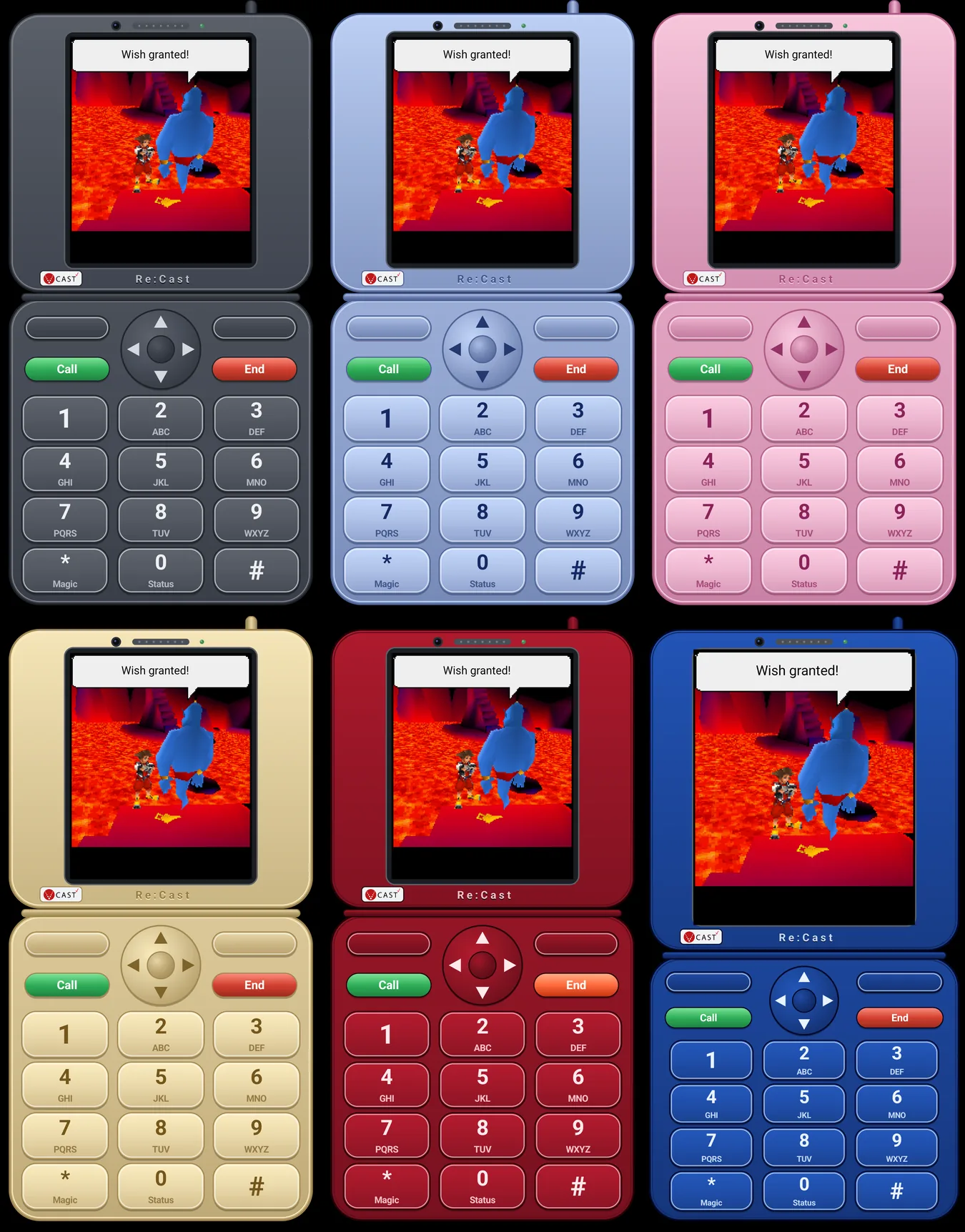
Flip phone style
A 2005 clamshell drawn around the game, with the V CAST logo, a navigation ring and a real keypad: 5 is Action, * is Magic, 0 is Status. Seven colors and a small bezel, and you can switch styles any time from the game's menu.
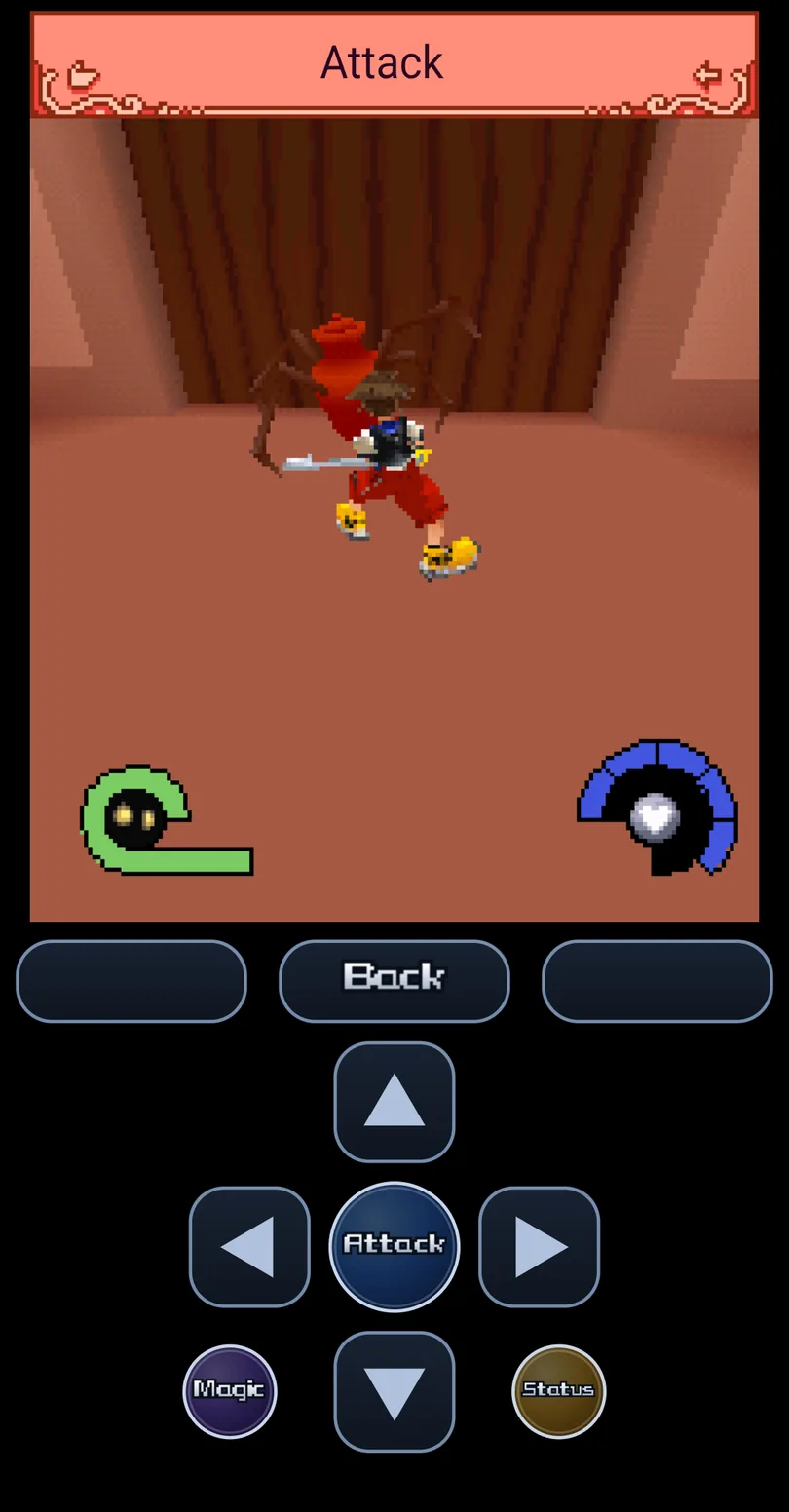
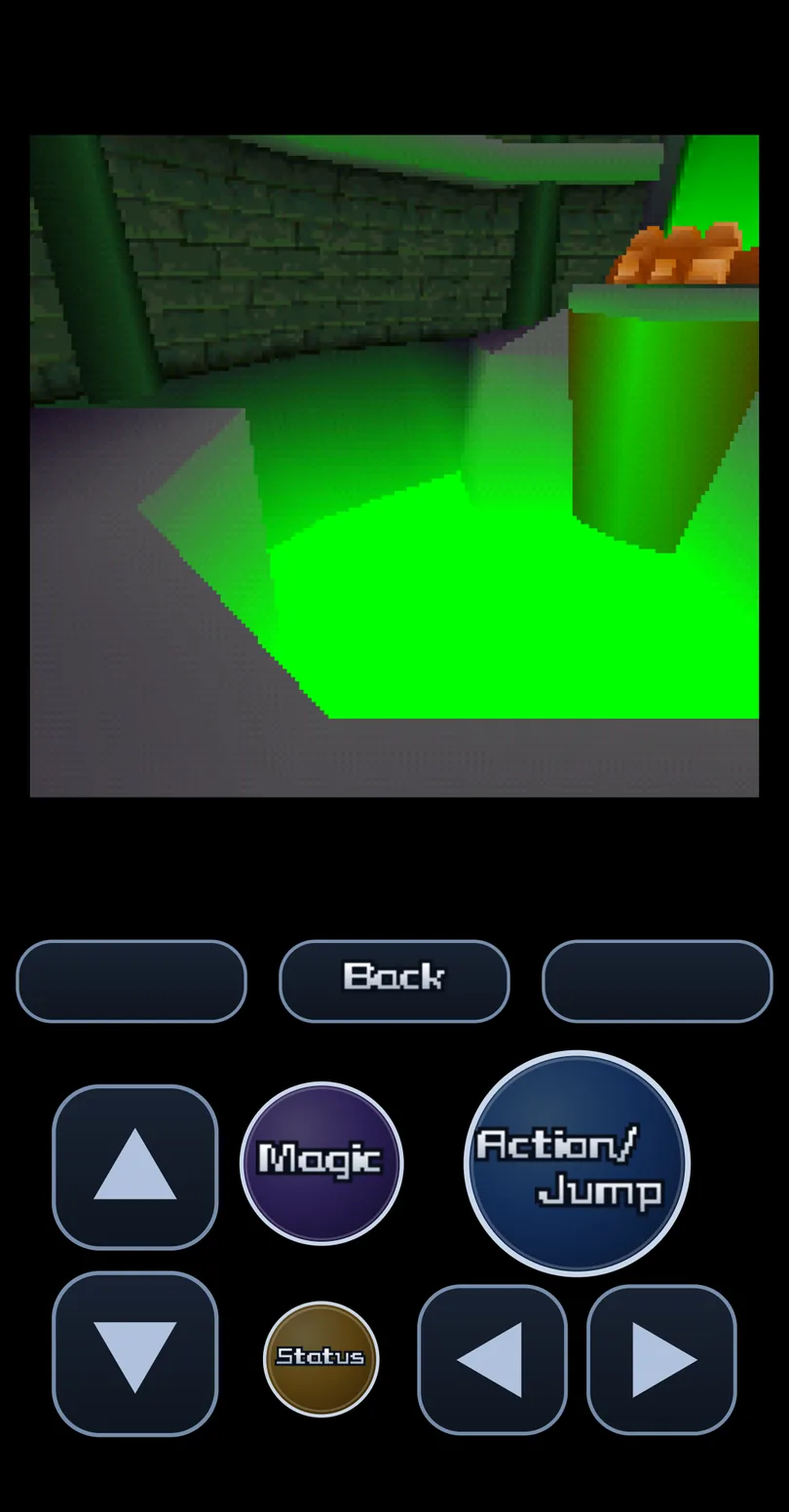
Three touch layouts
A cross (the default), two thumbs, or a direction pad. Every button, each arrow included, can be dragged and resized, and turning the phone sideways gives you bigger buttons.
An Action button that reads the game
It watches the game's own action banner and says what it will do: Attack, Open, Talk, Grab, Lift, Throw, or Enter on menus. The softkeys show the game's words (Continue, End), and you can tap the game's own menus.
Full sound, decoded on the phone
The tuned music synth and the phone's compressed voice-codec sound effects, decoded with Android's own codec, in step with the action. The Wonderland theme plays on the Wonderland screen.
A sound screen
Play every tune, pick a ready-made mix or save your own, and star your favorites. Have the game play your own recordings (FLAC, MP3 and more) instead of the synth, matched to its volume.
Sharp text, the game's font
The game's tiny text is redrawn sharply at the phone's resolution, and the app's menus and buttons use the Kingdom Hearts menu font.
Saves that travel
Save states, quick save and load, and autosaves, all from the game's menu. Export a save state to carry on from the same spot on your PC, or bring one over from it (the same game files and settings are needed).
The shared leaderboard
Post your scores to the same anonymous board as the PC version. The app asks first, and you can switch it off.
Re:Cast for Android is out: one zip with the app and the game files, for Android 7 or newer on a 64-bit phone (a separate zip for Chromebooks and emulators is on the download page). How to install it. If something goes wrong on your phone, tell us which phone it is in Jiminy's Journal.
Download for Android